Custom lists
Choose your own fields for text, numbers, dates, choices, colours, icons and more.

Make your own structured lists, design custom input forms with colours, icons and layouts, combine and filter lists and write formulas to automatically process data, all with a simple, easy to use interface.
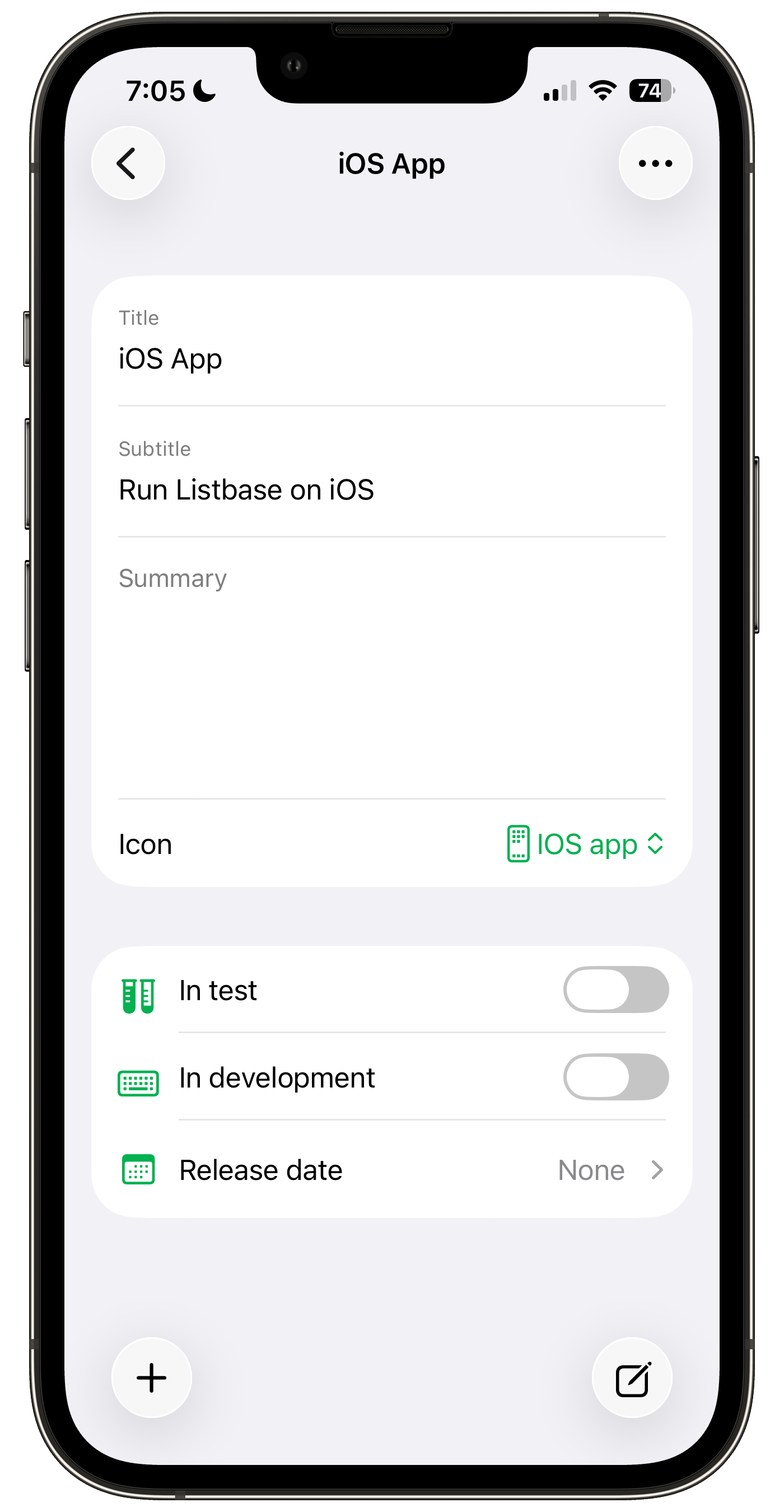
Start with a title and add more detail as you need it.
Choose your own fields for text, numbers, dates, choices, colours, icons and more.
Connect items across lists, so related information stays easy to find.
Bring matching items together with filters, groups and flexible sorting.
Keep your lists available across your supported Apple devices using your private iCloud account.
Protect selected folders, lists and views with Face ID, Touch ID or your device passcode.
Import or export CSV, and create or restore a Listbase backup file.
Make reading lists, inventories, project trackers, contact collections, wish lists or something completely your own.
Give lists and views a recognisable colour, icon and shape.
Search folders and item values without digging through every list.
Deleted lists and items move to Deleted Items, where they can be restored or removed permanently.
Listbase Pro lets you invite other iCloud users with read-only or editing access.
Calculate totals, combine text or work with dates using formulas, and create visual summaries with charts. Explore formulas →
Jump to favourites, shared lists or everything across your folders.
Listbase includes all core functionality and iCloud syncing. Unlock unlimited lists and share your lists with others using Listbase Pro. One single purchase with no subscription.
How to use Listbase
Write filters to control what appears in a view, with quick filters and field-specific rules.
Read filters → VIEWSCombine All and Any rules to create more precise logic.
Read grouping → LISTSBuild calculated values using maths, text, dates and logic.
Read formulas →